I finally switched to Linux!
For a long time now, it's been pretty obvious that we only use Windows because Microsoft got into the spot they are now early on and then managed to get us locked in on their operating system. The enshittification has gotten to a point where users are actively looking for alternatives now. I was -wanting- to make the switch to Linux for a long time, but just never mustered up the courage to daily drive it for long enough. Well now I finally did! Here are all the interesting bits and pieces to maybe help you upgrade to Linux as well!
Picking a distro
The best and worst part about Linux, depending on who you ask. There are SO many choices and decisions to make.
Windows just comes in this all-in-one package, that makes you completely forget how many different aspects there are to a fully functioning operating system. [Insert Richard Stallman's rant about how "Linux" is just the kernel, not the operating system]. You need a kernel, a shell, a desktop environment and of course all your apps.
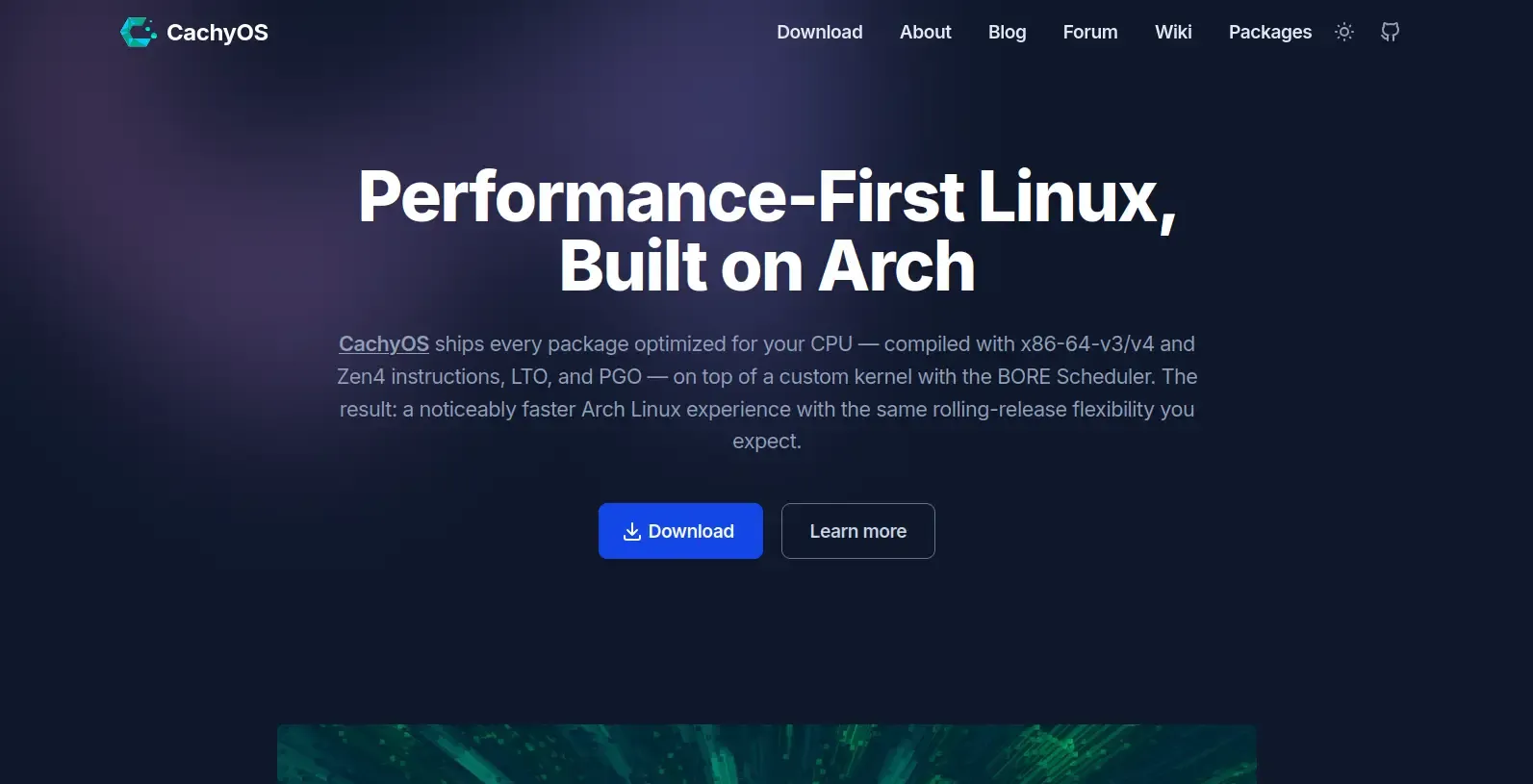
The distro I ended up going with is CachyOS. It reads like it's very much optimized for performance and is widely supported. I heard lots of good things about it from various YouTubers recently, so I thought "let's go with that".
Which desktop environment??
With any distro, you can essentially freely customize what it looks like. Most distros come with sensible defaults. Usually they have a specific desktop environment preinstalled, like how Linux Mint comes with the Cinnamon desktop environment. CachyOS however lets you pick from a whole list of desktops during installation! This was perfect for me, because I wanted to try out many different ones to find out which one fits me the best.
What I was looking out for when picking a desktop environment:
- Something that looks pretty modern. I'm a fan of Windows 11's modern, glassy design. Another one of my absolute favorites is Material You. So a sleek design is quite important to me.
- At least somewhat familiar controls. I've been daily driving Windows basically forever. As much as I want to learn something new, the learning curve needs to be good so that I don't lose interest. I especially recommend this to people who've never used Linux before but want to switch.
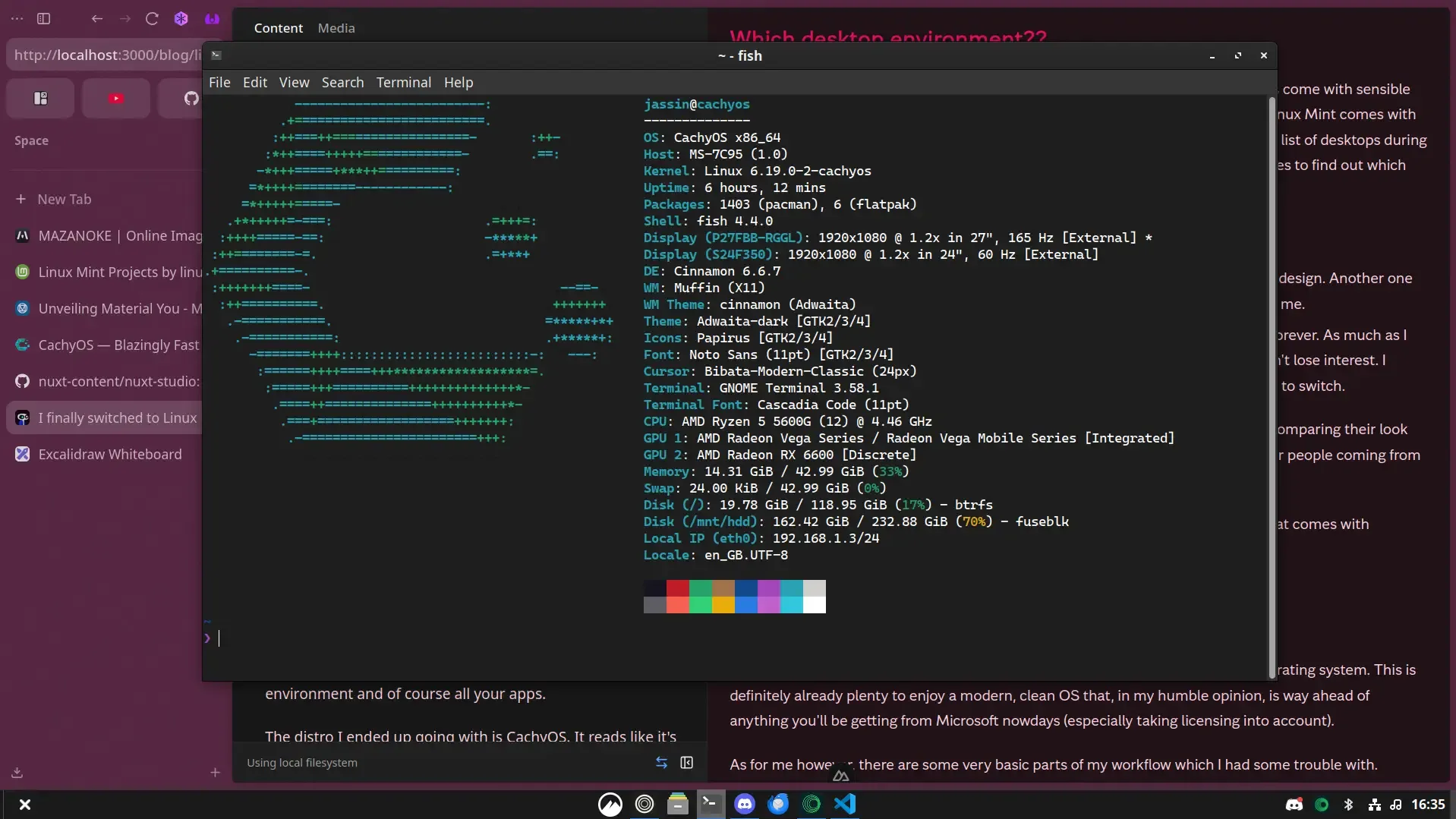
After reading up on the various desktop environments out there, trying a few and comparing their look and feel, I decided to go with Cinnamon. It is said that it's one of the best options for people coming from Windows, so this felt like a good choice.
This is very comfy already! I really like a lot of the defaults here, like the terminal that comes with fastfetch and such.
Making it feel like home
Maybe this is already enough for you to get started with daily driving your new operating system. This is definitely already plenty to enjoy a modern, clean OS that, in my humble opinion, is way ahead of anything you'll be getting from Microsoft nowdays (especially taking licensing into account).
As for me however, there are some very basic parts of my workflow which I had some trouble with.
The Clipboard
This is one of the most important ones. I'm used to copying multiple things and then being able to press WIN+V to open my clipboard and paste one of my recent items, be that text or an image.
One of the most popular options here is CopyQ. So I installed it and then configured it to work almost exactly like the Windows clipboard:
- The shortcut to open it
- Add CopyQ to my startup apps to always be open in the background
- Make it hide itself completely when unfocussed
Are my eyes hurting?
I legit had to search this up online to make sure I'm not going insane, but there are actually a few people who experienced this issue as well. After using my new operating system for the first couple hours (I hadn't changed any of my display settings yet), I noticed that my eyes felt like they were under a lot more strain than usual.
There can be multiple causes and multiple fixes for this. For me, it boiled down to a combination of:
- the default screen scale being a bit low, so everything was just smaller, which naturally makes your eyes work harder
- me not being used to the slimmer fonts that Cinnamon uses by default. There are packages like
ttf-ms-win11that can help you install even the same fonts that Windows 11 uses, but Noto Sans Regular worked for me as well. It just depends on your preference
Wallpaper Engine
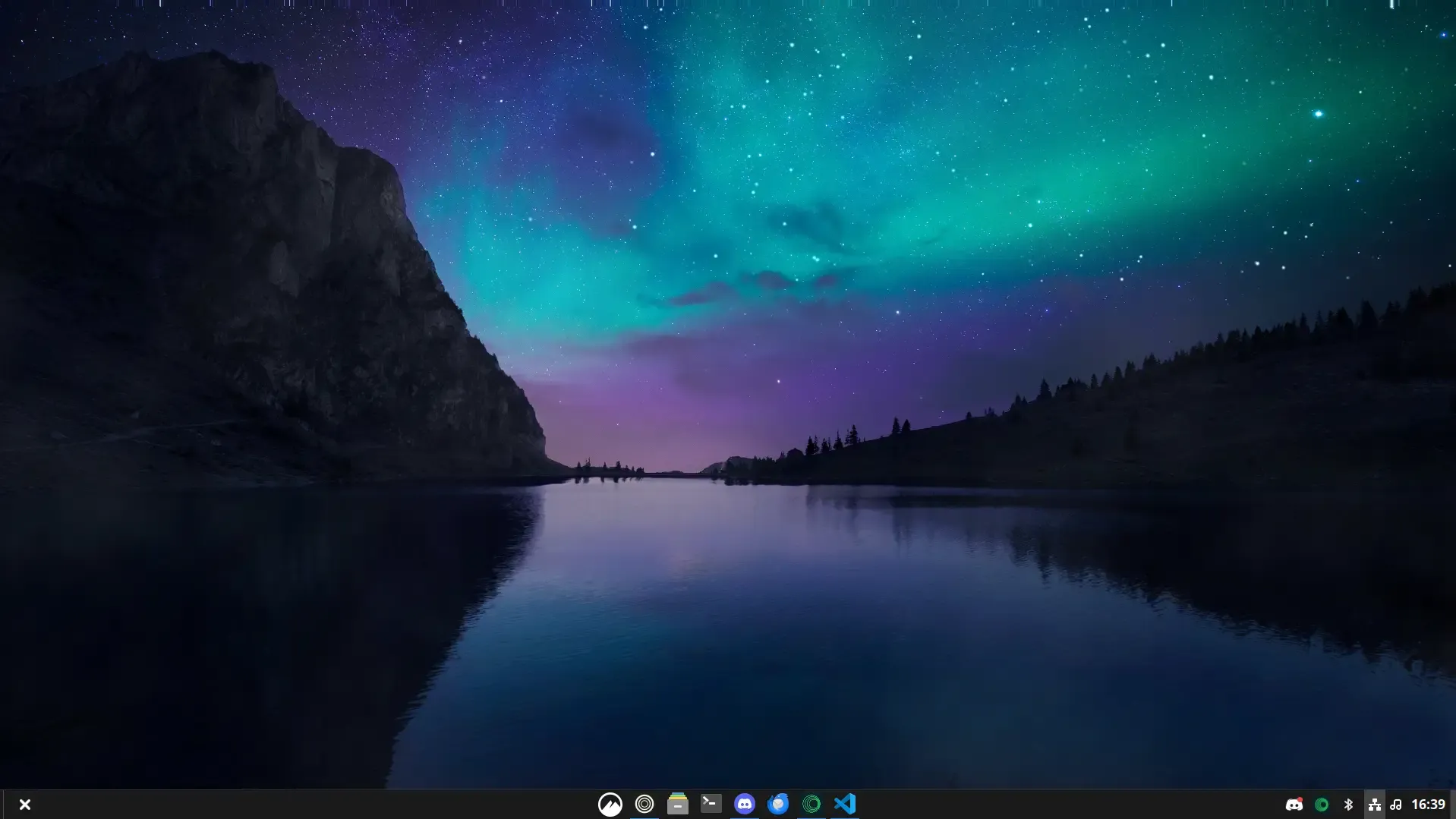
I'm a big fan of Wallpaper Engine, but sadly it lacks native support for Linux. Fortunately though, there are community projects like linux-wallpaperengine that let you import the live wallpapers downloaded from the steam workshop and run them on Linux, without the native desktop app!
So I used the CLI (there is also a GUI App but I had some issues with it) to create a little script that I could add to my autostart so that it would automatically throw a random wallpaper from my library onto my two Monitors upon login:
# Set the display variable (usually :0)
export DISPLAY=:0

# Set the wallpaper
/usr/bin/linux-wallpaperengine \
  --assets-dir /usr/lib/linux-wallpaperengine \
  --screen-root DisplayPort-0 \
  --screen-root HDMI-A-0 \
  --volume 0 \
  --scaling fill \
  --disable-parallax \
  --bg "$(find /mnt/hdd/linux-wallpaperengine/ -maxdepth 1 -mindepth 1 -type d | shuf -n 1)"
Devilspie
One last major annoyance was that Cinnamon does not seem to remember where you last placed a window when closing it. So every time I booted my PC and logged in it would throw all my apps right in the middle of my main monitor. The solution is devilspie. You create a configuration file for the app whose position you want to be adjusted, set devilspie to autostart as well, and you're done! Now discord always launches in fullscreen on the second monitor.
Ready to daily drive
It turned out to be easier than expected. The initial effort to transition to a new operating system is a hurdle. I also think there are still a lot of misconceptions about Linux being hard or jank to work with or full of random issues you need a degree in computer science to fix. But really these largely don't seem to be true anymore. Keep in mind my own bias of course. I am literally studying computer science, so if I say that Linux is easy, that might not be true for you, but I can and will comfortably recommend trying Linux to anybody who's interested in doing so.